
ekototo opens casino, slots and account access
Live Roulette, Caishen Wins, Rocket Crash and Royal Fishing sit in one home lobby with DANA, OVO, GoPay and QRIS ready in…
Explore casino and slots from home
The home lobby puts casino tables and slots close to the account button, so you can scan categories before creating your profile.





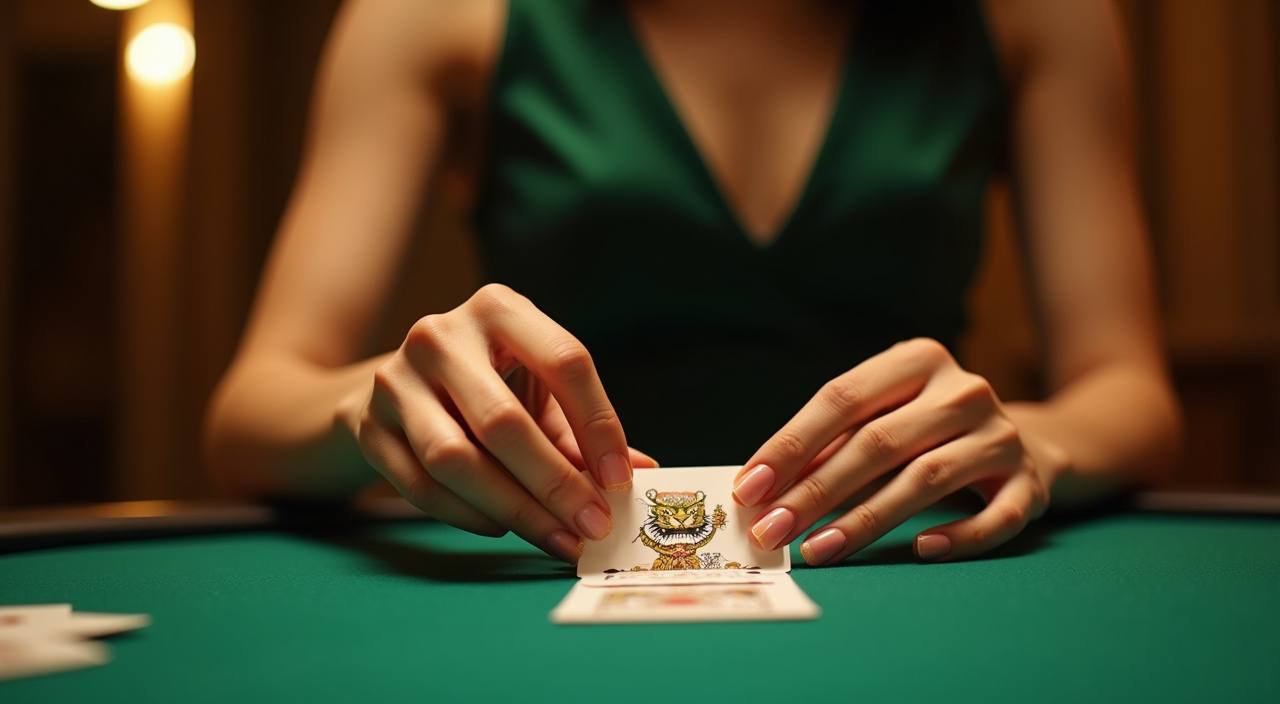





Browse games by pace and format

Game choice starts with the pace you want. We place live casino, slot-feature rooms, crash-style rounds, fishing rooms and sports markets in separate rows so your home screen does not feel mixed together. If you like a table rhythm, Live Roulette and Dragon Tiger are easy to reach from the casino row. If you prefer shorter rounds, Rocket Crash and
Aviator sit closer to fast-session categories. Slot titles such as Caishen Wins, Mahjong Ways and Sweet Bonanza are grouped by studio and feature style, so you can return to a familiar room without searching from zero.
Check the home screen signals

Open your account with clean details
A clean account starts with details that match your payment wallet. Use one active phone number, a password you do not reuse elsewhere and the same name format you use on DANA, OVO, GoPay or QRIS-linked banking apps. After you submit the form, we route you to the wallet setup instead of sending you through unrelated pages. This matters because
withdrawal checks compare account records with payment records. If something is typed differently, support may ask for a correction before funds can move.
Switch between casino and slots
Try mobile play without app clutter
Mobile access works through your browser, so you do not need to install a separate file before checking the lobby. On Android, open ekototo.club in Chrome, use the menu if you want a home-screen shortcut, then log in from that icon next time. On iPhone, Safari can keep the same path with Add to Home Screen. We compress category rows
on smaller screens, but live tables still need a stable connection because the video stream and bet panel load together.
Check how we handle your account
Trust comes from visible operations, not slogans. We explain account steps, keep payment names clear and make support channels easy to find from the home page.
Payment matching
We compare wallet names and account records during withdrawal checks. This reduces manual back-and-forth and helps us spot mismatched details before a transfer request is processed.
Session protection
Login sessions are monitored for unusual device changes. If you switch phones or browsers often, we may ask for an account check before sensitive wallet actions continue.
Clear game grouping
Casino tables, slots, crash rounds and fishing rooms are separated by format. This keeps the home lobby readable and helps you return to the type of session you intended.
Visible help path
Live chat and WhatsApp are linked near account and wallet areas. You do not need to search through unrelated pages when a login, deposit or withdrawal question comes up.

Protect your login before deposits
Account security is easier when you set it up before your first deposit. Create a password that is not used for email, social apps or other gaming sites. Avoid sharing one phone number across several people because recovery checks become unclear. We also recommend logging out from shared devices after desktop sessions, especially in internet cafes or work laptops. If
you notice a balance change you do not recognise, pause activity and contact live chat with the time, device and last payment method used.
Choose DANA, OVO, GoPay or QRIS
Payments should be clear before you enter a room. We place DANA, OVO, GoPay and QRIS in the wallet area because those rails are familiar across Indonesia and…
Discover slots beside live casino
Slot rooms stay close to live casino access so you can change session length without opening a new site.
Check withdrawals before you request

Withdrawal requests move faster when the account record is ready. Before sending one, check that your name, phone number and chosen payment rail match what you used for deposits. We may review the last successful deposit, recent room activity and wallet destination before releasing a payout round. This is not meant to slow you down; it protects both your balance
and the payment trail. If support asks for a screenshot, send the full receipt with time, amount and method visible.
Reach support from the home page
Help should be close to the action. We place live chat and WhatsApp near account and wallet areas so you can explain a problem with context still in front of you. The desk runs from 09:00 to 02:00 WIB, covering evening sessions and late payment checks. For faster handling, include your account phone number, payment method, timestamp and a short description. Do not send passwords; we will never ask for them in chat.
Live chat
Use live chat for account access, lobby loading and wallet status questions. It is the quickest path when you are already logged in and can describe the issue clearly.
Use WhatsApp when a payment question needs an image. Send one clear screenshot, the payment rail name and the time shown in your wallet app.
Account recovery
If you lose access, prepare your phone number and recent payment method. Support checks those details before helping you return to the account safely.
Start only where access is allowed
Local access matters because online gaming rules can differ by area and circumstance. We make the home page clear, but your eligibility still depends on local law and is available only where local law permits. If you are unsure, check your own situation before opening an account or sending funds. When you do continue, use your own device, your own
wallet and your own contact details. Shared accounts create disputes that are hard to resolve when payments or withdrawals need verification.
Check answers before you join
These are the home page questions we expect before you create an account or return to the lobby. The answers focus on account access, local payments, devices, support and eligibility, so you can decide your next step without jumping between pages.